WhatsApp Drip Campaigns: The Complete Guide for 2026

A WhatsApp drip campaign sends each customer a short series of automated messages, starting the moment they do something: sign up, book, buy or go quiet. Because WhatsApp messages are read within minutes, a well-timed sequence nurtures leads and brings customers back far better than email alone. This guide covers how drip campaigns work on WhatsApp in 2026, the template and pricing rules that apply, five sequences you can copy, and how to set one up in Whautomate.
What is a WhatsApp drip campaign?
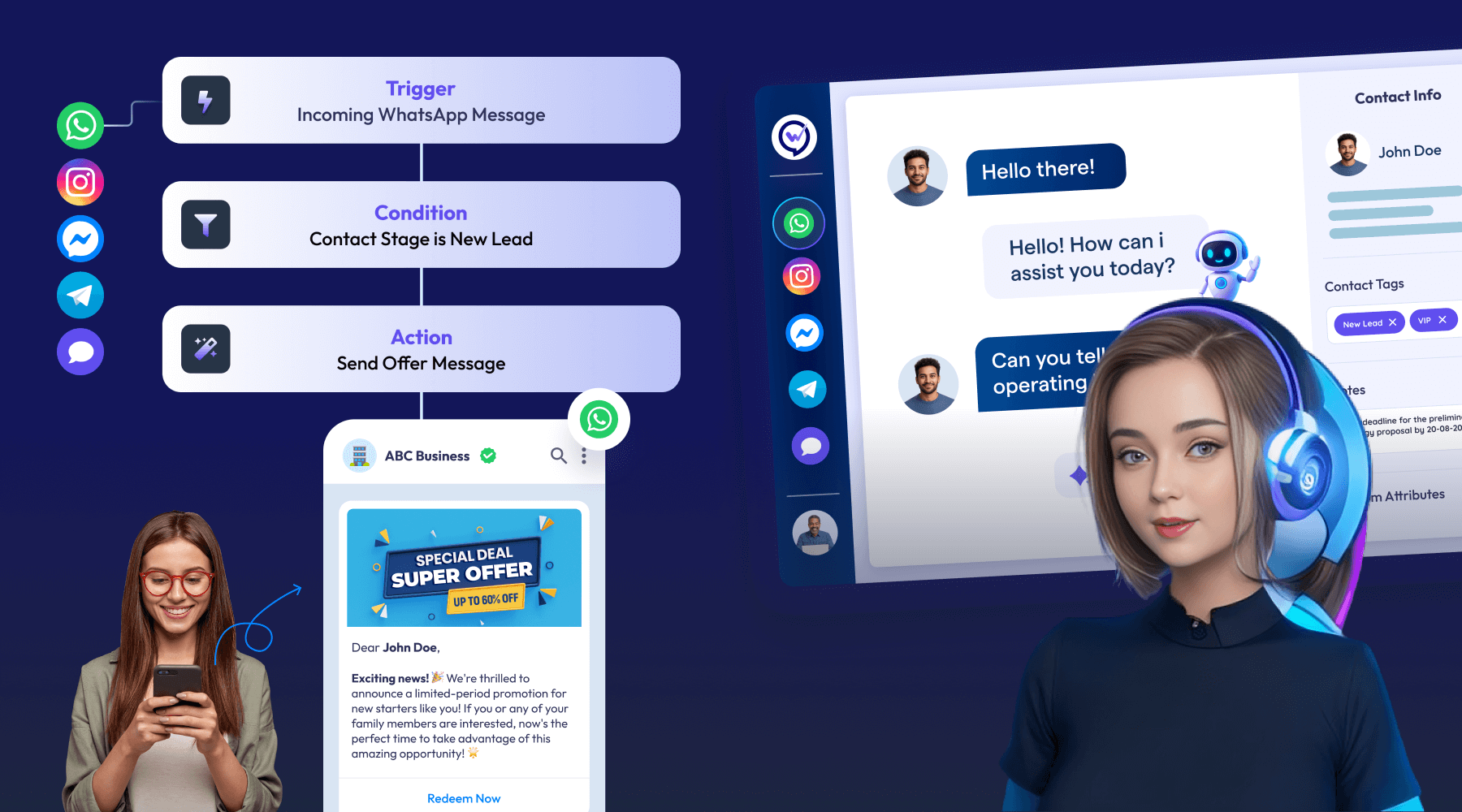
A drip campaign is a sequence of pre-written messages sent at set intervals after a trigger. Each person moves through it on their own timeline: someone who signs up today gets message one today, message two in two days and message three next week, while someone who signs up next month starts then.
On WhatsApp, a drip campaign is built from three parts:
- A trigger that starts the sequence, such as a new contact, a tag, a form submission or an appointment.
- Steps: approved WhatsApp templates sent after a delay.
- Exit rules that stop the sequence when the person replies, buys or opts out.
Drip campaign vs broadcast
| Drip campaign | Broadcast | |
|---|---|---|
| Who gets it | Each person, when they trigger it | A whole segment at once |
| Timing | Relative to the trigger (day 0, day 2, day 7) | One send time |
| Best for | Onboarding, nurturing, follow-ups, win-backs | Offers, launches, announcements |
| Setup | Automation rule with steps | One campaign per send |
Most businesses need both. Use WhatsApp broadcasts for one-off offers and drips for anything that depends on where a customer is in their journey.
The WhatsApp rules every drip campaign must follow
Opt-in first. WhatsApp only allows business messages to people who agreed to hear from you. Collect consent on your website, forms, checkout or in store, and record it. Messaging people who did not opt in gets you blocked, reported and eventually banned.
Templates outside the 24-hour window. When a customer messages you, a 24-hour customer service window opens, and inside it you can reply freely. Drip steps are usually sent days apart, outside that window, so each one must be a template approved by Meta. Submit templates early: approval is often quick but can take longer for marketing content. Browse WhatsApp message templates for approved wording.
Pick the right category. Meta classifies each template as marketing, utility or authentication. A booking reminder is utility; a discount is marketing. Mislabelled templates get reclassified or rejected.
Make leaving easy. Add a “Stop” quick-reply button or a line explaining how to opt out, and remove people from every sequence when they do.
What a WhatsApp drip campaign costs
Meta charges per delivered template message, based on the template category and the recipient’s country. Marketing steps cost the most; utility steps such as reminders and order updates are much cheaper, and in many countries cost a fraction of a cent. Since October 1, 2026, your free-form replies inside the 24-hour window are also charged after 1,000 free per number each month. Check the rate for your market in the WhatsApp Business API pricing guide or model a sequence with the broadcast cost calculator.
Two ways to keep a drip cheap: stop the sequence the moment someone converts, and send transactional steps as utility templates rather than marketing.
5 WhatsApp drip sequences you can copy
1. New lead welcome (3 steps)
- Day 0: Thank them for signing up, say what they will get on WhatsApp, and offer one next step as a button (book, browse, ask a question).
- Day 2: Share your most useful resource or bestseller with a short reason why.
- Day 6: A time-limited first-visit or first-order offer, with an opt-out button.
2. After a booking (4 steps)
- Right after booking: Confirmation with date, time, address and a reschedule link.
- 24 hours before: Reminder with a confirm or reschedule button.
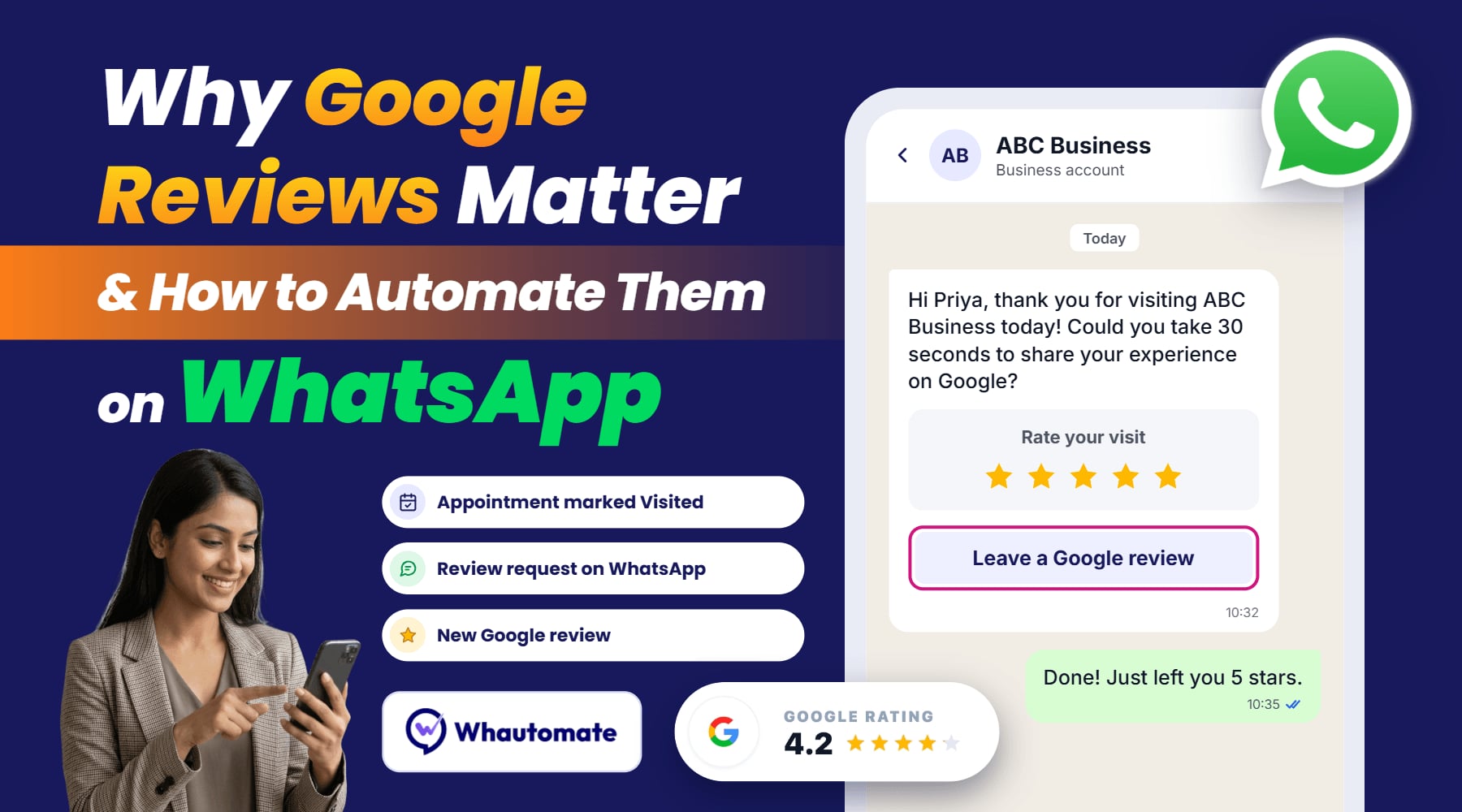
- 2 hours after the visit: Thank you and a review request.
- 3 weeks later: Invite them to book their next visit.
This is the sequence clinics, salons and studios get the most from. See appointment scheduling for how bookings connect to WhatsApp.
3. Abandoned cart (3 steps)
- 1 hour after: “You left something behind” with the product image and a link back to the cart.
- 24 hours after: Answer common doubts (delivery time, returns, sizing).
- 72 hours after: A small incentive, then stop.
4. Re-engagement for inactive customers (3 steps)
- Day 0: “We miss you” with what is new since their last visit.
- Day 5: A personal offer based on what they bought or booked before.
- Day 12: Ask whether they want to keep hearing from you, with a clear opt-out.
5. New client onboarding (4 steps)
- Day 0: Welcome and how to get help on WhatsApp.
- Day 1: How to get started, as a short video or guide.
- Day 4: Check in: “Did you get set up?” with quick-reply buttons.
- Day 10: Ask for feedback and point to your next service or product.
How to set up a WhatsApp drip campaign in Whautomate
Drip campaigns in Whautomate are automation rules: a trigger, then steps with delays.
- Choose a trigger. Whautomate can start a sequence when a client or contact is created, when a client or contact is added to or removed from a tag, when a client completes a form, and on appointment updates, with waits counted in minutes, hours, days or weeks before or after the appointment.
- Add steps and delays. Pick an approved template for each step and set the wait before it. Personalise with merge tags such as the customer’s name or appointment time.
- Set exit conditions. Remove the tag that started the sequence when someone converts, so they stop receiving it.
- Test on your own number, then switch the rule on.
- Review results after a week: which steps get replies, clicks or bookings, and where people opt out.
Watch the walkthrough:
Best practices
- Keep each message short: two or three sentences and one clear action.
- Personalise beyond the name: reference what they booked, bought or signed up for.
- Use buttons: quick replies and call-to-action buttons get more responses than “reply YES”.
- Use media sparingly: one image or video where it helps, not in every step.
- Respect timing: send in the customer’s daytime, and space steps out by days, not hours (except cart reminders).
- Hand off to a person: when someone replies with a question, route them to your team inbox or an AI chatbot that can escalate.
Start your first sequence
Pick one sequence above, write three templates, submit them for approval and connect them to a trigger. Whautomate gives you the WhatsApp Business API, automations, templates and a shared inbox in one place. Start a 7-day free trial, no credit card needed.