How to Add WhatsApp to Your Google Business Profile (2026)
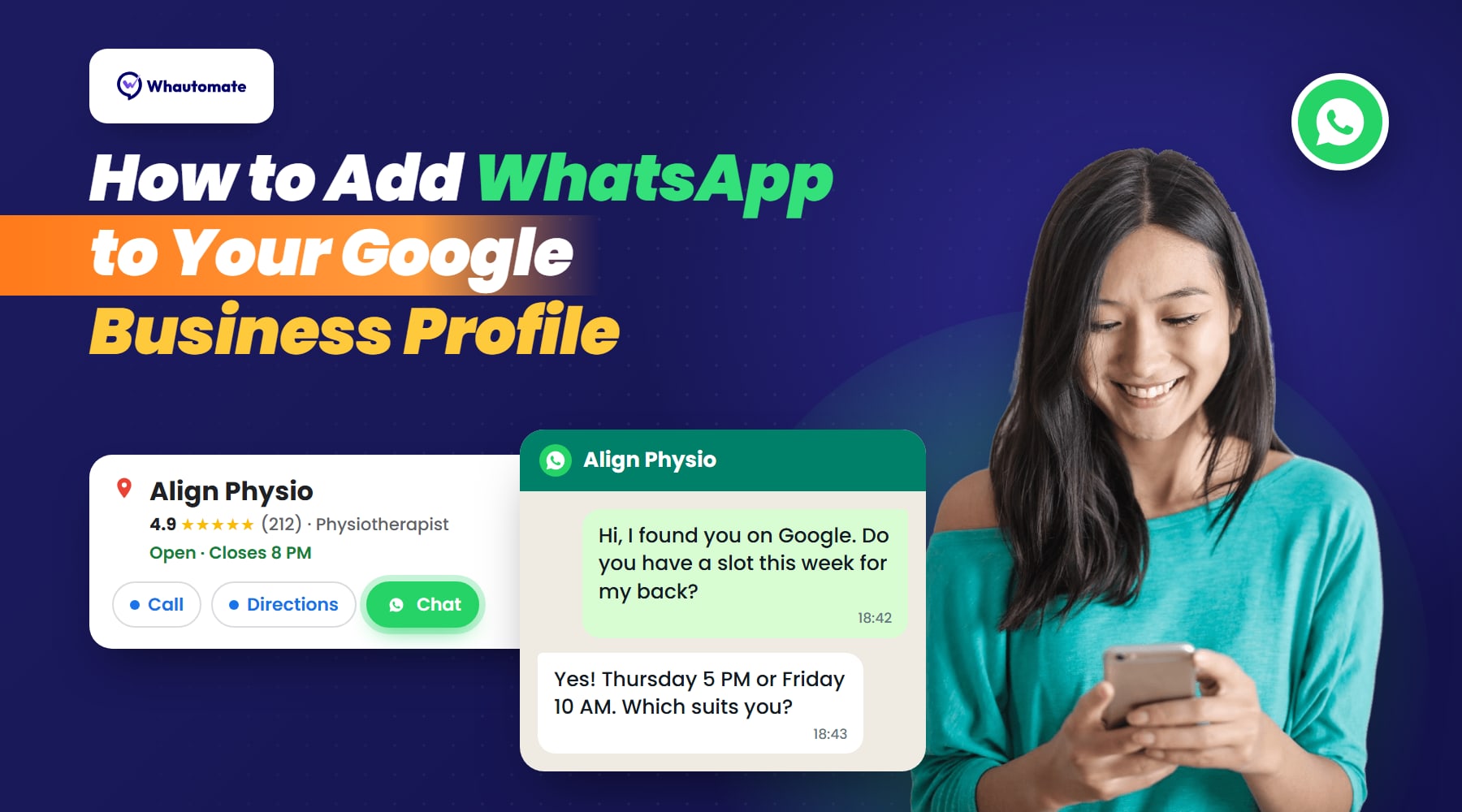
Most people find a physio, dentist, vet, salon or studio the same way: they search on Google, look at the business profile, and contact the first place that looks right. Until 2024 your profile could show Google’s own chat. That feature is gone. Today you can add a WhatsApp chat button to your Google Business Profile instead, so people who find you on Google can message you on the app they already use.
This guide covers what changed, how to add WhatsApp step by step (using Google’s own instructions), the link format, what to do if the option does not show, and how to make sure those chats turn into bookings.
What changed: Google’s chat ended, WhatsApp replaced it
Google switched off Business Profile chat and call history on 31 July 2024. Messages people had sent through Google’s chat stopped arriving, and many businesses lost a contact channel without noticing.
In its place, Google added a Chat contact option. Instead of running its own messaging, your profile now links to a messaging app you already use: WhatsApp or text message (SMS). When someone taps Chat, WhatsApp opens with your business ready to message.
In 2026 the option reached more countries, including the US, and Google has been testing a WhatsApp button directly next to Call and Directions in search results. For businesses in countries where WhatsApp is how people talk to each other, such as India, the UAE, Saudi Arabia, Singapore, Malaysia, Brazil and the UK, this makes your profile a direct line to new enquiries.
What you need before you start
- A claimed and verified Google Business Profile. Google only offers the Chat option to verified profiles.
- A WhatsApp number for your business. The WhatsApp Business app works, and so does a number on the WhatsApp Business Platform (API) if your team shares one inbox.
- Your country in Google’s rollout. Google says chat options are “currently available for select regions”, and it does not publish the list. If you do not see the option, see the troubleshooting section below.
How to add WhatsApp to your Google Business Profile
These are Google’s steps from its Business Profile help centre:
- Go to your Business Profile (search for your business name on Google while signed in, or open business.google.com).
- Select Edit profile, then Contact.
- Next to Chat, select Edit.
- Open the Chat dropdown and select WhatsApp.
- In the URL field, paste your WhatsApp click-to-chat link (see the next section).
- Select Save.
Two details from Google’s help page are worth knowing:
- Add only WhatsApp. If you add both WhatsApp and a text message number, Google shows only the text message option to customers.
- One link can serve several locations. Different Business Profiles can use the same WhatsApp link, which helps if all your branches reply from one central number.
It can take a little while for the button to appear after you save. Check it from your phone, since that is where most people will tap it.
Your WhatsApp link: the right format
Google asks for a WhatsApp click-to-chat URL. The format is:
https://wa.me/<your number>
Write the number in full international format, without the plus sign, leading zeros, spaces, brackets or dashes. For example, the Singapore number +65 8123 4567 becomes https://wa.me/6581234567, and the Indian number 098765 43210 becomes https://wa.me/919876543210.
You can also add a pre-filled first message, which the person sees ready to send:
https://wa.me/6581234567?text=Hi%2C%20I%20found%20you%20on%20Google
That small line does two jobs. It gets people past the blank-message hesitation, and it tells your team the chat came from Google, which is useful when you want to know which channels bring new patients and clients. Our free WhatsApp link generator builds the link and encodes the message for you.
WhatsApp option not showing? Check these
- The profile is not verified. Unverified or unclaimed profiles do not get the Chat option. Finish verification first.
- Your region does not have it yet. Google is rolling chat options out by region. If the Chat field is missing from Edit profile > Contact, the feature has not reached your profile yet.
- You also added a text number. If both WhatsApp and SMS are set, customers only see the text option. Remove the text number.
- You are checking on a computer. Several business owners report the button shows on phones (Search and Maps) before desktop. Check on mobile.
- The link is wrong. A link with a plus sign, spaces or a leading zero may not open the right chat. Test the link yourself from a phone that does not have your number saved.
- You saved recently. Give it time to update, then check again.
After the tap: make sure the chat becomes a booking
Adding the button is the easy part. What decides whether a Google chat turns into a patient or a client is what happens in the next few minutes. People who message a business usually message more than one, and the first business to reply with a clear next step gets the booking. Researchers who called more than 5,000 US vet practices posing as pet owners got a wellness appointment only about two thirds of the time, and most failures were about reaching the practice, not about a full diary.
Four habits make the difference:
- Reply fast, with a time. “Yes, we can see you. Thursday 5 PM or Friday 10 AM?” books far more than “Yes, how can we help?”.
- Set an away message for when you cannot answer. During sessions, at lunch and after hours, an automatic reply should say when you will respond and offer a way to book now. Our WhatsApp away message templates cover every situation, including emergency wording for practices.
- Let people book inside the chat. A booking link, or a booking form that opens inside WhatsApp, removes the back-and-forth over times.
- Answer from one shared inbox. If the WhatsApp number lives on one person’s phone, chats get missed on their day off. A shared team inbox lets the whole team see and answer every chat from Google, Instagram, Messenger and your website in one place.
With Whautomate, chats that arrive from your Google profile land in that shared inbox, away messages reply automatically outside your opening hours, and clients can pick a time and book appointments without leaving WhatsApp. You can start a free trial and connect your WhatsApp number in a few minutes.
Also add your booking link to Google
The Chat button is for people who want to ask a question first. Many others just want to book. Your Google Business Profile also has a place for a booking or appointment link: add your online booking page there, so the profile offers both a Book route and a Chat route.
While you are editing your profile, it is also a good moment to make it easy for happy clients to leave a review. A Google review QR code at reception turns your best visits into the reviews that help the next person choose you.
Do the same on Instagram
Many people find you on Instagram as well as Google. Instagram lets you add a WhatsApp button to your business profile too. Our guide on how to add a WhatsApp button to Instagram walks through it, so every place people discover you leads to the same WhatsApp conversation.
Frequently asked questions
Can I still use Google Business Profile chat?
No. Google ended Business Profile chat and call history on 31 July 2024. The replacement is the Chat contact option, which links your profile to WhatsApp or text messaging.
Is adding WhatsApp to Google Business Profile free?
Yes. Adding the Chat option to your profile costs nothing, and replying to people who message you is part of your normal WhatsApp use. If you use the WhatsApp Business Platform, replies to customers who messaged you first fall inside WhatsApp’s customer service window.
Do I need the WhatsApp Business app or the API?
Either works, because Google only needs a click-to-chat link. The app suits a single person replying from one phone. The API suits teams that want several people answering from one number, automatic away messages and booking inside the chat.
Why does my profile only show the text message option?
Because both WhatsApp and a text number are set. Google shows only the text option when both are added. Remove the text number to show WhatsApp.
Which countries have the WhatsApp option?
Google does not publish a list and says the option is available in select regions. It is available in many markets, and in 2026 it reached the US. If you do not see the Chat field under Edit profile > Contact, it has not reached your profile yet.